Company Data Ops Series · CRM enrichment
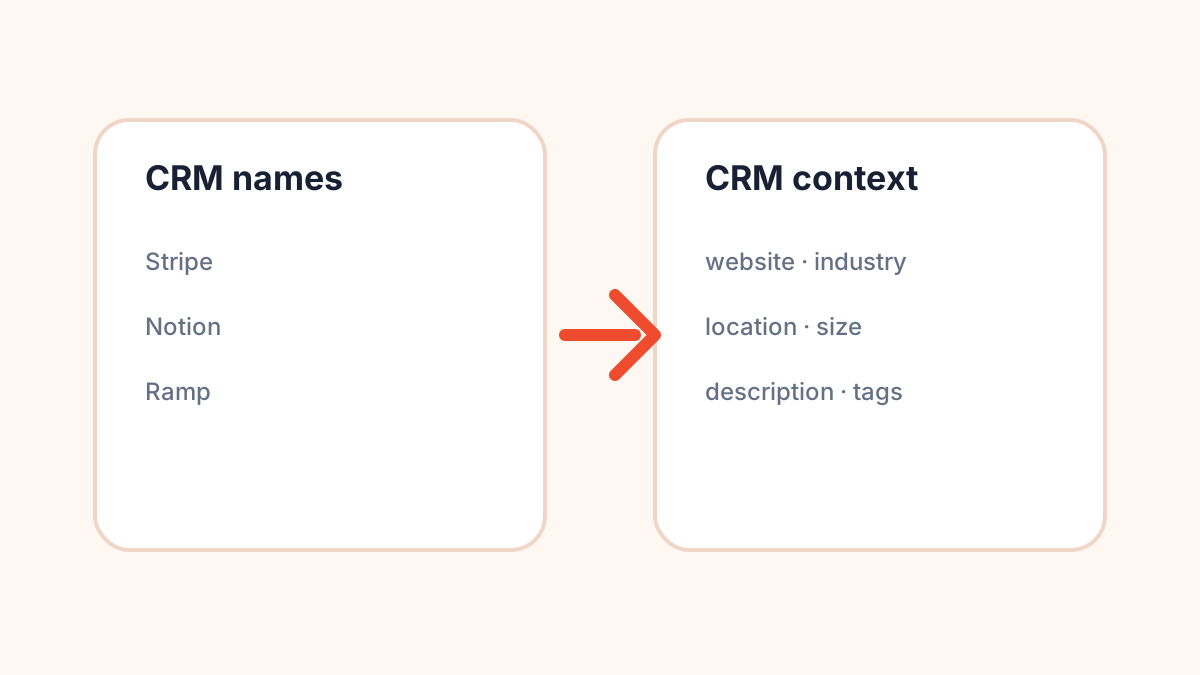
Why your CRM has company names but no company context
A CRM can have thousands of account records and still feel strangely empty. You know the company names. But you do not know what many of them do, where they are based, which industry they belong to, whether they are a good fit, or how they should be routed.
The symptom: every team re-researches the same account
When company context is missing, every team compensates manually. Sales reps Google accounts before outreach. Marketing exports lists and adds their own categories. Customer success checks websites before meetings. Leadership asks why the dashboard has so many unknowns.
The same basic research happens again and again because the CRM record never became useful in the first place.
Company name is not enough
A company name is an identifier, not context. It does not tell you whether an account is enterprise or SMB, whether it belongs in fintech or logistics, whether it is US-based or global, or whether it is relevant to a campaign.
That matters because most CRM workflows depend on context:
- Routing: assign accounts by region, size, or vertical.
- Segmentation: build lists for campaigns and lifecycle journeys.
- Prioritization: decide which accounts deserve human attention first.
- Reporting: understand pipeline by market, geography, or company type.
- Personalization: avoid generic outreach that ignores what the company actually does.
The context fields that usually pull their weight
You do not need to enrich everything. Start with fields that directly support workflow decisions:
- Website: helps identify the account and review duplicates.
- Description: gives humans quick context before outreach or review.
- Industry/category: powers segmentation and campaigns.
- Location: supports territories, regional reporting, and compliance-adjacent workflows.
- Size: helps route enterprise vs. smaller accounts.
- Optional funding: useful for some startup or growth workflows, but not required.
Do not blindly overwrite your CRM
This is where many enrichment projects get messy. Someone imports new values directly into core CRM fields, and suddenly reps are asking why account data changed.
A safer approach is to create an enrichment layer first:
{
  "account_name": "Example Inc",
  "crm_website": null,
  "enriched_website": "https://example.com",
  "enriched_industries": ["Software", "Workflow Automation"],
  "enriched_location": "New York, United States",
  "enriched_size": "101-250",
  "field_action": "review_before_sync"
}
This lets you compare, review, and decide what should become canonical.
When to enrich CRM company records
The best time is usually around a workflow event, not randomly at midnight because the database exists.
- New account created
- Inbound lead converted to account
- Large list imported
- Before outbound campaign launch
- Before territory planning
- Quarterly CRM cleanup
Start with a sample. If the first 100 records produce useful context and clear review flags, expand the batch.
A practical before/after
Before:
Account: "Northstar"
Website: blank
Industry: blank
Location: blank
Owner: unassigned
After first-pass enrichment:
Account: "Northstar"
Website: "https://northstar.example"
Industry: ["Logistics", "Software"]
Location: "Chicago, Illinois, United States"
Size: "51-100"
Review: "ok_to_route"
That second record is not just “more complete.” It can actually move through a workflow.
What good looks like
A good CRM context project should make boring things easier:
- Reps understand accounts faster.
- Marketing can build cleaner segments.
- Ops can route accounts with fewer exceptions.
- Leadership dashboards have fewer blank categories.
- Bad or sparse records are visible instead of silently ignored.
If you want to add company context programmatically
The ShakeChillies company enrichment endpoint can turn a company name into structured fields such as website, description, industries, location, size, and optional funding data. The most useful pattern is to store enriched fields separately, review them, then sync only the fields you trust.
Try the company enrichment API
Disclosure: maintained by ShakeChillies. The API is not an official Crunchbase product. Funding and some enriched fields may be missing for some companies.